
Ultimate Guide to Freelancing - Part 7: Motivation
Motivation
There are downsides to independent working
Research indicates a regular schedule is good for physical and mental health
Loosely maintain a schedule
Change your schedule if you aren’t being productive
If you aren’t being productive while working at home, step away from your desk and take advantage of your freedom
Try coffee shops or co-working spaces or Brooklyn Creative Club! (After Covid-19 passes)
Organize and dedicate a specific office space (desk & bookshelf)
Personally, I have multiple places to work even in my small apartment. I find variety helps
Try to write a daily or weekly to-do list or outline a schedule digitally
Exercise and getting dressed for work may help you
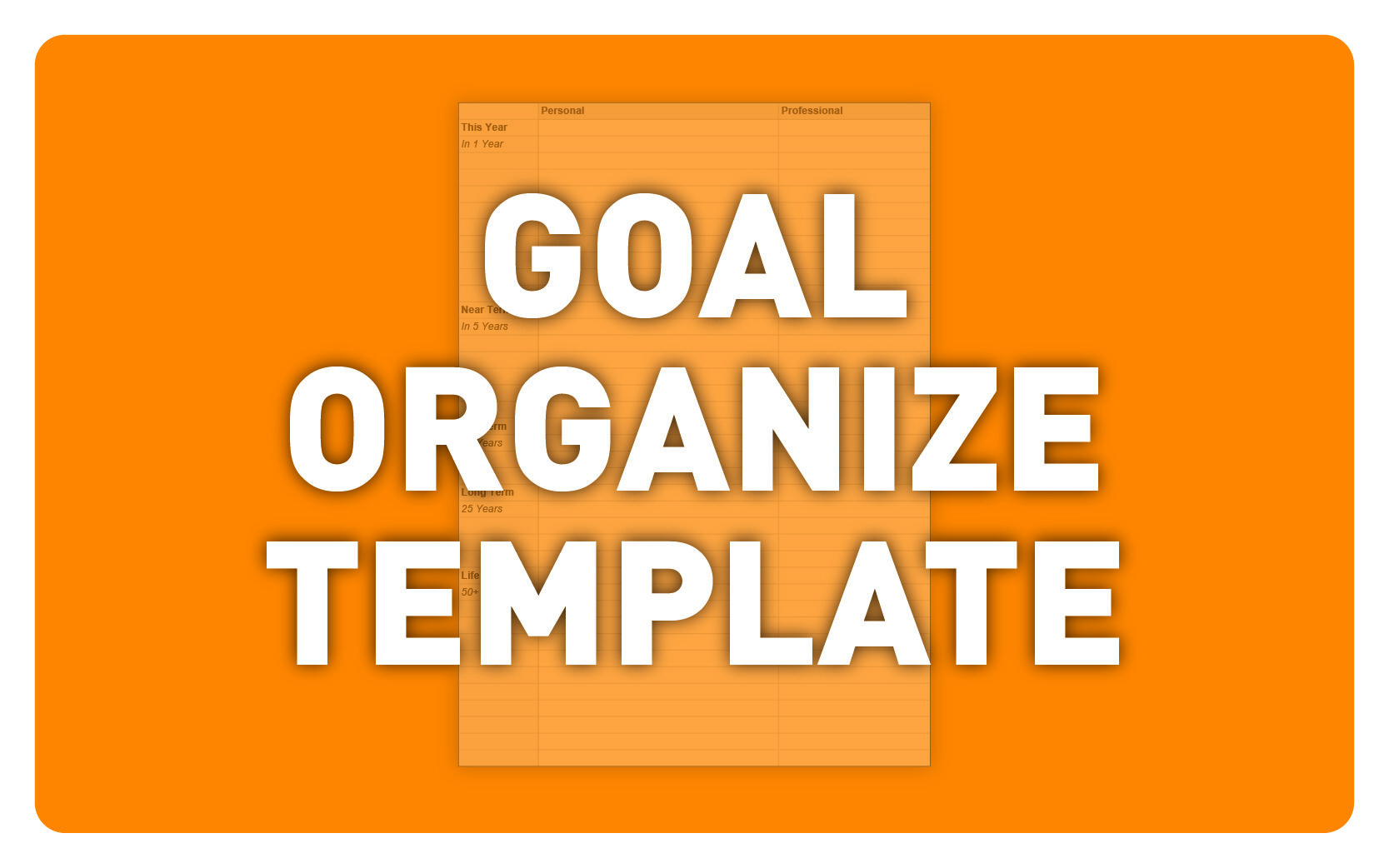
Host an annual review of your past year’s performance and to establish your new year’s goals. Here is a template I use to keep track of annual goals:
Schedule & Deliverables
Most frequently this is established in initial conversations and cemented into your estimate and/or contract
It’s important to stick to the schedule to be profitable, and stick to the promised deliverables to receive payment for your work, especially with new clients
Deliverables may change during a project. Confirm any changes in writing with the client
If you require additional hours to complete an additional task requested by the client, send an updated or additional estimate for them to sign
On the final invoice you can strike out parts not tackled and add additional elements not originally included for your future reference
Make sure to organize this all in one place as you’ll often refer to past invoices to create new estimates (I use Dropbox)
File Organization
Luckily I find all my documents are now digital
Backup all of your files frequently in multiple places
I used Dropbox to organize and share my projects, finances, research, & resources
I use Google Drive to create documents and spreadsheets
Both of these services allow you to recover old versions of files
They are, however, not to be 100% relied upon. There are stories of entire accounts being wiped and unrecoverable
So… you should also archive your work on external hard drives
I find this combination of Dropbox, Google Drive, and an external hard drives solid
When your computer dies or if you lose it you’ll be up and running quickly again as everything syncs to their servers despite appearing local on your machine
You can choose while files are on your computer verses on their servers
A wise vetern coworker may advise you to print documents, especially financial ones, and this makes a lot of sense, although I don’t do this
Google also offers email addresses, calendars, video conferencing, and Google Drive associate with your web domain for a minimal cost. SquareSpace bundles this for you
Jump to:
Introduction: Ultimate Guide to Creative Freelancing
Part 1: Starting: Part-time vs. Full-time, Contractor vs. Freelancer
Part 2: Finding Work: Online Job Search, Recruiters, Staffing Agencies, & Networking
Part 4: Taxes
Part 5: Determining your Rate
Part 6: Paperwork: Contracts, Non-Disclosures, Quotes, Estimates, & Invoicing
Part 7: Motivation: Schedules, Deliverables, & File Organization
Part 9: Advice: Client Relationships, Best Practices, & General Advice
Love,
Paul
For snarky design commentary follow @gpaulbenson on Twitter
And see our previous blog post: “Tools & Resources for Designers” for additional advice.
Best of luck! And please send your tips or questions my way by commenting below! Also, would you be interested in video tutorials? Let me know!
Special Thanks to:
Channing Ritter (Freelance Advisor)
Brendan Bergen (Copywriter & Social Media Advisor)
Hana Sato (Creative Recruiting Advisor)
Aliza Adam (Freelance Advisor)
Selwyn Rocha (Graphic Design Advisor)
Anna Lu (Professional Feedback)
Tero Honkala (Marketing & Creative Media Feedback)
Chrissy Raftery (Professional Feedback)